VS Code Workspace Trust Bypass Enables Persistent Malicious Extension Installation
Supply Chain Risk · 3 sources · Updated 2mo ago · First seen Sep 17, 2026
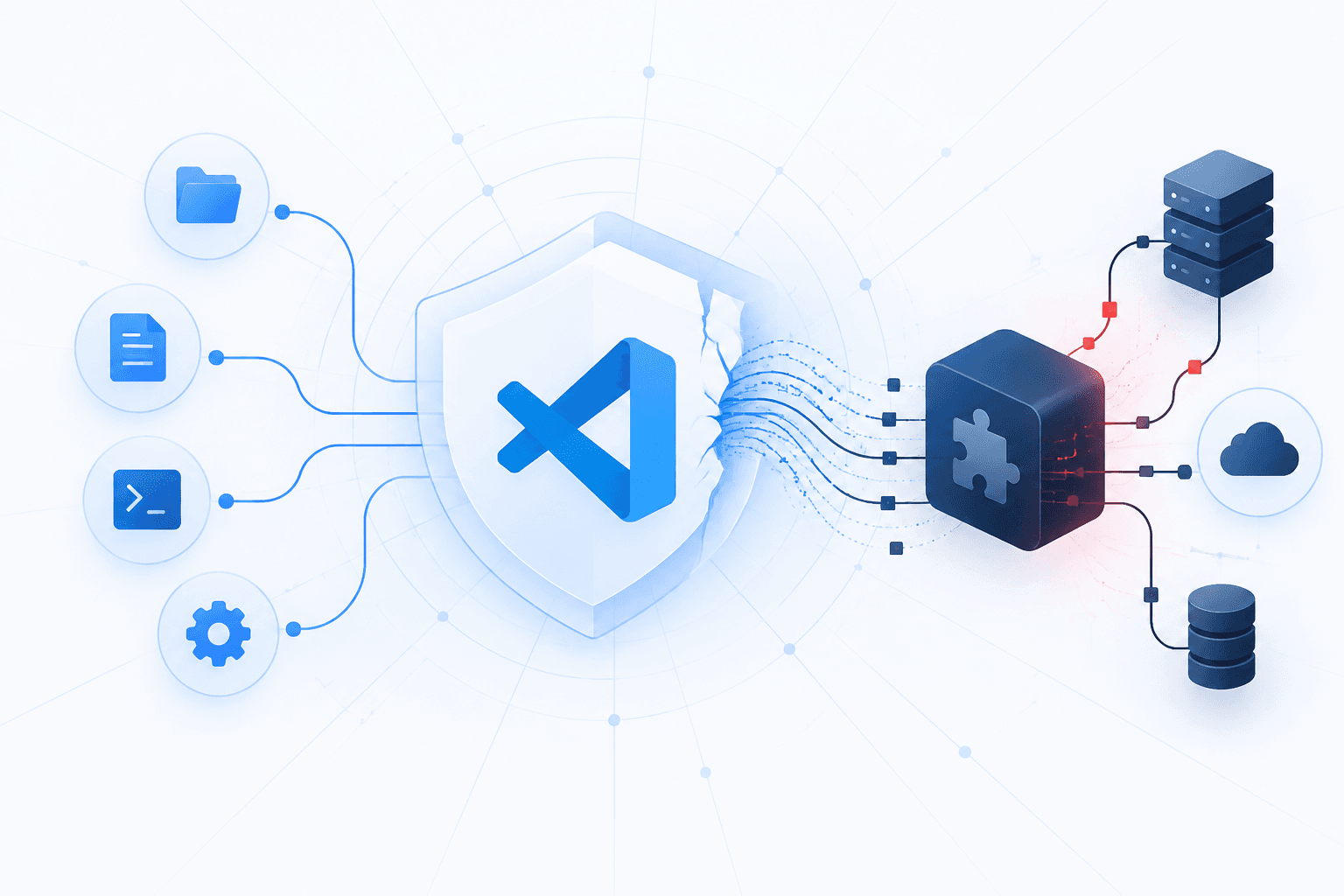
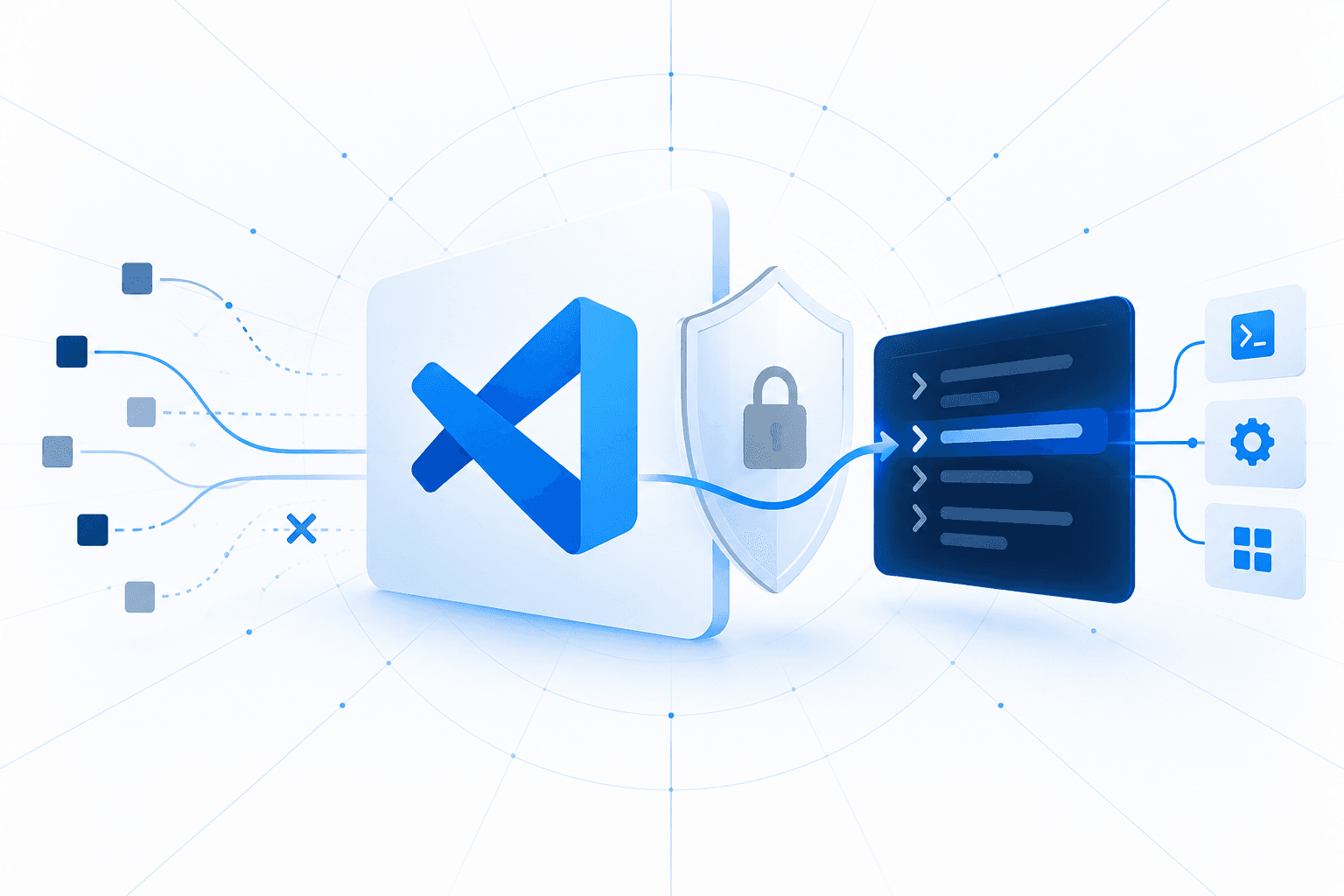
Researchers reported a Visual Studio Code Workspace Trust and Restricted Mode bypass in which a malicious repository can use a crafted command: link to invoke the internal workbench.extensions.installExtension command. If a developer Ctrl-clicks the link in VS Code’s raw source editor, the chain can install a local malicious .vsix package, activate it immediately, and persist across subsequent VS Code launches; the reported issue is that local VSIX packages are accepted without signature or publisher validation.
A malicious extension can execute JavaScript or TypeScript with the logged-in user’s privileges, putting developer files, credentials, and software-delivery infrastructure at risk. Organizations should keep Workspace Trust enabled, instruct developers not to open links in unfamiliar repositories, review installed extensions, and centrally restrict extension installation where possible. Disabling editor link detection with "editor.links": false is a temporary mitigation while command-link handling and extension-install controls are assessed.
Why it matters
Impact assessment
The reported bypass affects organizations using Microsoft Visual Studio Code, particularly developers who open cloned, downloaded, or shared repositories from untrusted sources. A successful one-click attack installs a persistent extension that executes with the developer’s logged-in user privileges, creating a direct path to source-code theft, credential theft, CI/CD compromise, and software-supply-chain impact.
Scope and severity
- Exposure is potentially broad because VS Code is widely deployed and the report claims the then-current stable release was affected.
- Exploitation is targeted rather than fully opportunistic: the victim must open an attacker-controlled folder and Ctrl-click a crafted link in VS Code’s raw source editor.
- The reported chain persists beyond the malicious repository: the installed extension can activate during later VS Code launches, including after the project is closed or the system is restarted.
- High-value targets include software developers, DevOps engineers, build/release personnel, and users with access to private repositories, cloud credentials, SSH keys, code-signing material, and production administration tooling.
- No confirmed in-the-wild exploitation is provided. The available material describes researcher-reported proof-of-concept behavior.
Business consequences
- Confidentiality: malicious extensions can access files and user-accessible development secrets.
- Integrity: compromised developer environments can modify source, build artifacts, deployment configurations, or signed releases.
- Operational and reputational impact: an extension-based foothold can survive repository cleanup and enable downstream compromise of CI/CD and software-delivery infrastructure.